
Every website has a front door, but search engines and visitors rarely walk in that way. They land on a random page and try to work out where everything else lives. A good sitemap answers that question in one place. It is the single page or file that says “here is everything on this site, and here is how it fits together.” Here is why a solid site map matters, and how to build one that works.
What is a sitemap?
A sitemap is a list of the pages on a website. It comes in two flavours. The first is an XML sitemap, a machine-readable file (usually /sitemap.xml) written for Google, Bing and other crawlers. The second is an HTML sitemap, an ordinary web page written for humans, with every important section and article laid out as clickable links. Most well-run sites have both, and a sitemap file in each format.
Think of the XML version as a website index you hand to a robot, and the HTML version as the directory you hand to a person. Both are a site directory in a different language, and both say “these are the pages that count.”
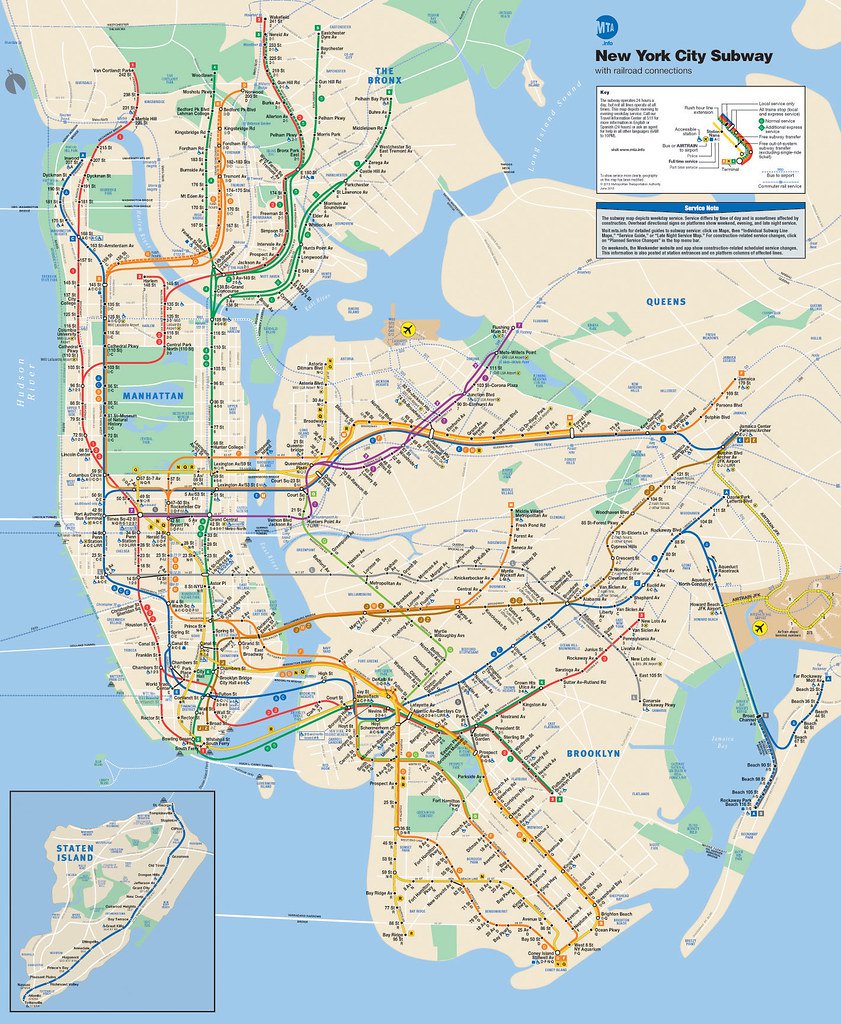
A subway map for your website
The best comparison is a subway map. Nobody needs the street grid to ride the New York subway; they need the lines and the stops. A good navigation map does the same for a website. It strips away the clutter and shows the routes: the main sections, the pages inside them, and how to get from one to the other. A page directory shaped like a subway diagram is easy to scan.
That is also how search engines read it. A clean map tells a crawler which pages are the main stations and which are small stops along the line. Without a content map, the crawler may never find the station you opened last week.
Why a good sitemap matters for SEO
Search engines find pages in two ways: by following links, and by reading lists of URLs you give them. A site index covers the second route.
New pages get found faster. New pages have no links pointing to them yet. A website directory that includes it is often the first place a crawler sees it. On a young site with few backlinks, the list of pages can be the difference between being indexed in a day or in a month.
Orphan pages get rescued. Every site ends up with pages nothing links to. An up-to-date page index keeps those pages on the radar, and building one is the fastest way to spot them, because anything in the site outline that has no internal links is a page that needs a home.
Large sites stay manageable. If you have hundreds or thousands of URLs, crawlers will not visit all of them every day. A site tree with honest last-modified dates tells them which pages changed, so they spend their time where it counts.
Rich media gets noticed. An image-aware web map helps photos appear in image search, and a site navigation map with video entries can earn a thumbnail in results.
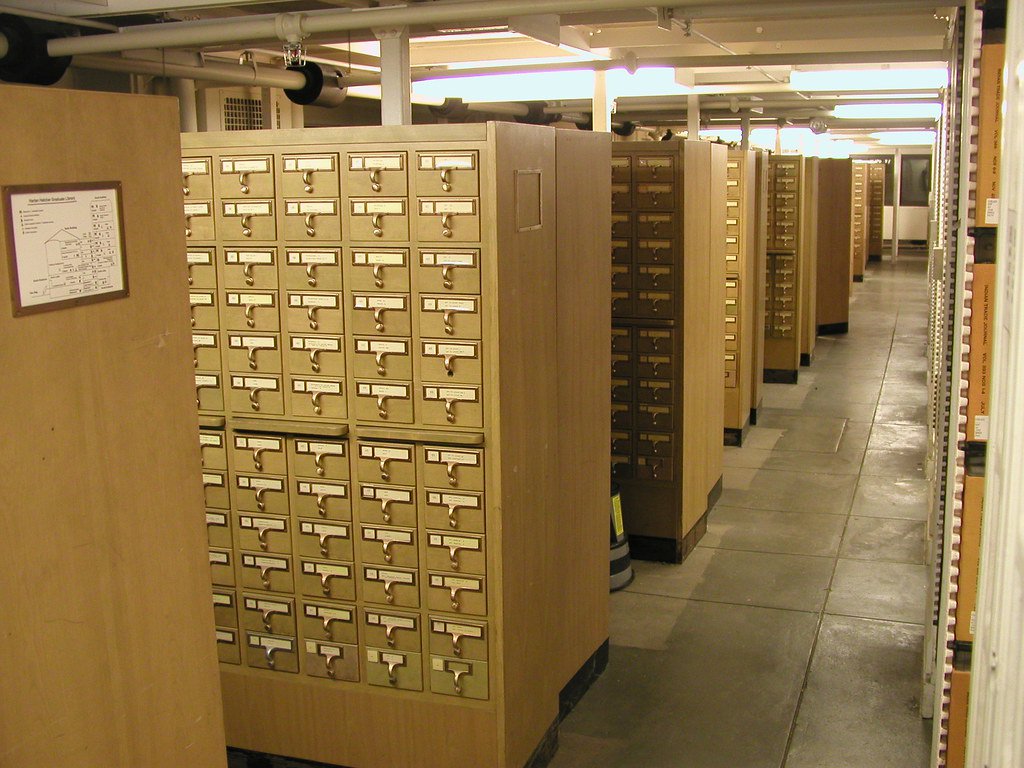
The card catalog was the original sitemap
Before search engines, libraries had a site guide of their own, the card catalog: thousands of small drawers, one card per book, sorted so anyone could find anything. That is exactly what a website catalogue does for the web. It does not change your pages; it makes them findable.
The catalog had rules: one card per book, updated when a book moved. A tidy URL list includes each page once, uses the final address, and gets updated when things change.
XML sitemap best practices
Google and Bing read your XML site index using the sitemaps.org protocol, introduced by Google in 2005 and adopted by Yahoo and Microsoft the next year. A few rules keep it healthy:
- Stay under the limits. One URL map file can hold up to 50,000 URLs and 50 MB uncompressed. Bigger sites split theirs into several files tied together by one parent file.
- List only real, canonical pages. No redirects, no 404s, no pages marked noindex, no duplicate versions with tracking parameters. A sitemap index full of junk teaches crawlers to ignore it.
- Keep lastmod honest. Google has said it uses the last-modified date when it is consistently accurate and ignores the priority and changefreq fields. Bumping every date daily makes your master index less trusted, not more.
- Point to it from robots.txt. Add a line like “Sitemap: https://example.com/sitemap.xml” so every crawler can find your page map without being told.
- Submit it. Add it in Google Search Console and Bing Webmaster Tools, then check the report for errors in your crawl map. Google retired its old sitemap “ping” address in 2023, so submission and robots.txt are the way to go now.
The HTML sitemap: a blueprint for people
An architect’s blueprint shows every room before the house is built. An HTML site blueprint does that for visitors. It is one page, linked from the footer, that lists every section and its pages with plain titles. People use it when the menu fails them, on phones, and with screen readers.
A good visual sitemap groups pages by topic, uses the same titles as the pages themselves. A website table of contents like this also passes internal links to every page it lists, which spreads ranking signals across the site. A strong example is the Strategic Crypto Reserve sitemap, which sorts more than 150 pages into a clear site layout map of categories, from data center cost calculators to state power tariffs, so both people and crawlers can reach everything in one or two clicks. Pages like that are the gold standard.
Keep the structure shallow. If a page takes more than three clicks from the homepage, add it to the site overview and link it from a hub page too.
Common sitemap mistakes
Most sitemap problems are self-inflicted. The usual suspects:
- An outdated website outline that still lists deleted pages, so crawlers keep hitting 404s.
- A content directory generated by a plugin that includes tag archives, attachment pages and other thin pages nobody should land on.
- A navigation index that lists the http:// or www. version when the site actually lives on https:// without www.
- An index of pages that was submitted once in 2019 and never checked again.
- A site listing that is blocked by robots.txt, which is like locking the card catalog in the basement.
Fix those and your roadmap of the site becomes something crawlers trust and follow.
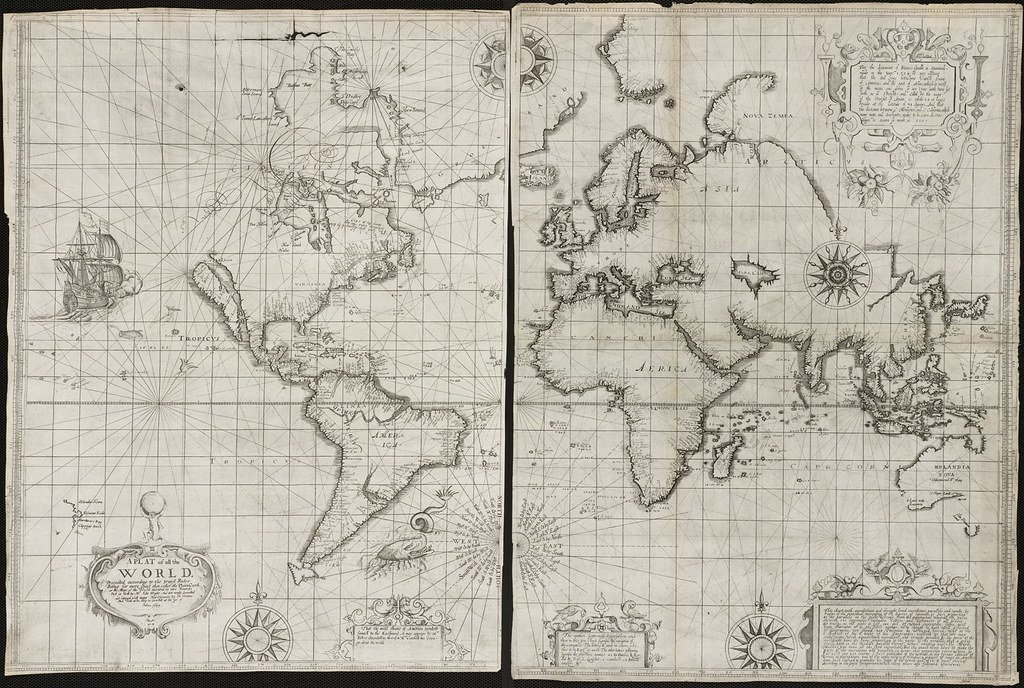
An old map lesson: show the whole world
Early mapmakers drew a site atlas of the known world and called it a “plat of all the world”: everything on one sheet, with a compass rose. That is the spirit of a good sitemap: complete, oriented and honest about what is there.
Your full site index should cover every section that matters and make it obvious where each one starts.
A quick sitemap checklist
- Create an XML file and an HTML website guide page, and link it from your footer.
- Include only canonical, indexable pages in your web directory.
- Whenever you publish, delete or rename a page, update the link directory automatically.
- Reference it in robots.txt, then submit your page catalogue in Search Console and Bing Webmaster Tools.
- Split anything over 50,000 URLs and tie the files together with a site manifest.
- Check the coverage report monthly and keep the page list clean.
Sitemap FAQ
Do small sites need a sitemap?
Yes. Small and new sites benefit most, because they have few links pointing in. A simple directory of pages helps crawlers find everything on day one.
Does a sitemap guarantee indexing?
No. It is a strong hint, not a command. Search engines still decide what to index based on quality and duplication, but a clean all pages list removes the guesswork about what exists.
How often should I update my sitemap?
Every time you add, remove or substantially change a page. Most content systems can regenerate the website layout map automatically.
Should I have both XML and HTML sitemaps?
Ideally, yes. The XML file serves crawlers, and the HTML site structure map serves people and passes internal links.
A clear map of the site is one of the cheapest, most reliable SEO wins there is. It costs an afternoon and keeps paying off. Build the website map once, keep it honest and current as you grow, and treat your site plan like the subway map of your business: clear lines, every stop listed, no dead ends.
Photo credits: Blueprint by Will Scullin, CC BY 2.0; Official New York City Subway Map by MTAPhotos, CC BY 2.0; University of Michigan Library Card Catalog by dfulmer, CC BY 2.0; A plat of all the world by Norman B. Leventhal Map Center at the BPL, CC BY 2.0. Images via Flickr, resized and cropped.