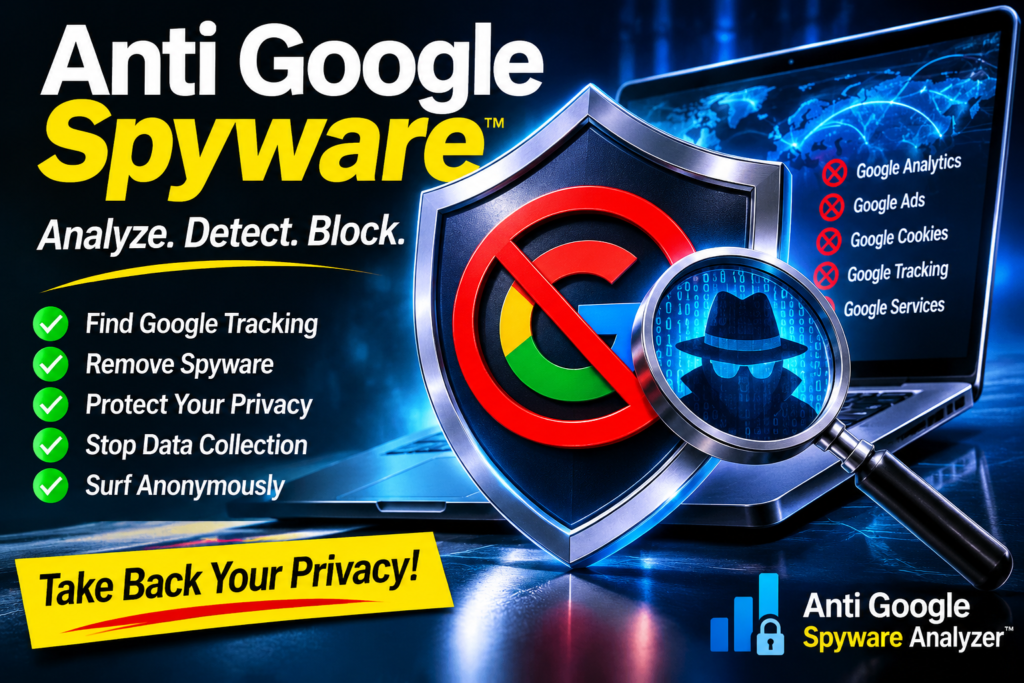
 This morning my antivirus went off. My antivirus scanned my machine and flagged two files sitting in my Firefox cache as PUA.Win.Trojan.Xored-1. The weird part? Firefox wasn’t even open. Those files had been sitting on my disk for days, quietly waiting.
So I did what I always do. I tore them apart.
Where the “Trojan” Came From
Both flagged files came from one place: www.gstatic.com. That’s Google. Specifically, it’s Google’s reCAPTCHA script, the thing behind every “I’m not a robot” checkbox on the internet. Firefox saved a copy the last time I hit a site with one of those boxes, and my scanner caught it sitting there.
I downloaded a fresh copy straight from Google’s servers and compared it to what was in my cache. Byte for byte, identical. Same 860,942 bytes, same fingerprint. Nobody tampered with it on the way to me. This is exactly what Google ships to everybody, every day, on millions of websites.
You can watch it load yourself on Google’s own demo page: google.com/recaptcha/api2/demo. Open that page and Google’s code lands in your browser and your cache. You didn’t ask for it. You weren’t told what it does.
What the Signature Actually Catches
I dug the rule out of antivirus databases’s own signature . Here it is, raw:
PUA.Win.Trojan.Xored-1:3:*:63686172636f6465617428{-5}295e
Decoded, that hex says: find the text charcodeat(, then up to five characters, then )^. In JavaScript that’s the move where you take a character, turn it into a number, and XOR it against a key. It’s the oldest trick in the book for hiding what a piece of code really says. Malware authors use it to scramble their payloads so scanners and humans can’t read them.
Google’s reCAPTCHA script does exactly that. Inside 860 KB of deliberately scrambled code is charCodeAt(L) followed by an XOR ^, and that’s what tripped the alarm.
Now, let’s be straight about what that means. The signature is a heuristic. It flags a technique, not a specific virus, and plenty of ordinary code uses XOR too. But ask yourself this: why does the biggest data company on earth need to scramble the code it runs inside your browser so you can’t read it? Honest code doesn’t need a disguise.
What Google Says It Collects
You don’t have to take my word for it. Google’s own reCAPTCHA terms say the API “works by collecting hardware and software information, such as device and application data, and sending these data to Google for analysis.” Google’s developer documentation for reCAPTCHA v3 tells website owners to load it on every page, not just the login form, because it gives Google more signals about how you behave.
Think about that. A checkbox that’s supposed to tell humans from bots gets loaded on pages where there’s no checkbox at all, watching how you move, what you’re running, and how you got there, then shipping it back to Google. That’s the deal you never signed.
Google’s Track Record on Your Data
This isn’t a one-off. Look at the receipts:
- 2022: Google agreed to pay $391.5 million to 40 U.S. states over claims it kept tracking people’s locations after they thought they’d turned location tracking off.
- 2024: To settle the class action over “Incognito” mode, Google agreed to destroy billions of records of people’s private browsing, the browsing people believed wasn’t being recorded.
- 2025: Google agreed to pay Texas $1.375 billion to settle lawsuits over location tracking, Incognito browsing and biometric data like voiceprints and face geometry.
In fairness, Google denied wrongdoing in those cases and says the policies involved have since changed. But when a company keeps writing nine- and ten-figure cheques over the same kind of complaint, you don’t need me to connect the dots.
Knowledge Is Power. Taking It Without Asking Isn’t.
Here’s where I stand. Knowledge might be power, but anyone who takes yours without asking, and then gets rich off it, has no integrity. Your browsing, your device, your habits: that’s yours. If somebody wants it, they can ask, tell you exactly what they’re taking, and pay you for it.
That’s why I’m putting together a claim against Google. My view is simple: if a company built its fortune on people’s data, the people it was taken from deserve a share of that fortune. I’ll write more about that as it moves forward.
In the meantime, I wasn’t going to sit around and keep feeding the machine. So I built something.
The Anti-Google Spyware Blocker: How It Works
It’s a Firefox extension, and it does one job: it stops scrambled code like this from ever landing in your browser or your cache.
- It reads everything first. Every page, frame, script and background request is held until it has fully downloaded, then scanned before Firefox is allowed to use it.
- Nothing unscanned gets saved. Until a file has been checked and come back clean, the blocker tells Firefox not to write it to disk. Nothing sits in your cache waiting for a scanner to find it days later.
- A match gets killed on the spot. The page gets an empty placeholder instead of the code. The address is remembered and blocked before it even downloads next time. Your cache is wiped in case an older copy was hiding in there, and a desktop notification tells you what was caught and which site tried to load it.
- Clean files pass through untouched. Ordinary sites keep working and keep caching normally.
I tested it on Google’s own demo page. It caught recaptcha__en.js the moment it arrived, logged it as Xored-1, and kept it out of the cache. Before the blocker, my Firefox cache held 6 files matching this signature out of 27,889. After one cleanup with the blocker running, it holds zero, and my antivirus has nothing left to complain about.
It also has a toolbar panel. You can see every file it blocked, the exact scrambled code it matched and which page loaded it. You can switch it on and off, clear your cache with one click, and keep a list of sites you choose to trust.
Be Honest With Yourself About the Trade-Off
I’m not going to oversell this. Blocking reCAPTCHA means “I’m not a robot” boxes stop working. Some logins, sign-up forms and contact pages lean on Google’s checkbox, and they’ll refuse to submit without it. That’s the price of telling Google no. If there’s a site you can’t live without, add it to your trusted list and the blocker steps aside for that one site.
It’s also a beta. It runs on Firefox, it uses the same heuristic a popular antivirus uses, and I’ll keep adding signatures as new variants of this scrambling trick turn up.
Buy the Anti-Google Spyware Blocker
It isn’t free, it isn’t in any add-on store, and there’s no download link floating around for anyone to grab. There is exactly one way to get it: buy it.
The price is C$999,999.99. Call it a million dollars, minus a penny for luck. Privacy has a price, and Google proves it every time it writes a settlement cheque.
Buy the Anti-Google Blocker — C$999,999.99
Payment is processed securely by Stripe. Once your payment clears, the PUA Blocker XPI and full install instructions are emailed to you within 24 hours. To install it permanently on Firefox ESR, you set xpinstall.signatures.required to false in about:config, then go to Add-ons, click the gear icon and choose Install Add-on From File.
Protect Yourself While You’re at It
Google’s code isn’t the only thing trying to get into your machine. If a link or a store looks off, run it through a free scam website checker before you type anything into it. If someone is already impersonating you or your business online, there’s a phishing site takedown service that goes after the hosts directly, and you can read exactly how a takedown case gets filed and followed up.
And if you want to see what all that harvested data is really feeding, it’s the AI boom. The companies hoovering up your clicks are pouring billions into server farms. Check what a data center costs per megawatt in each state, or price out a full build yourself in the AI Build Configurator. Follow the money and you’ll see why your data is worth so much to them.
 Your browser, your machine, your data. Lock it down. Dying to spend 1 million today no matter what?
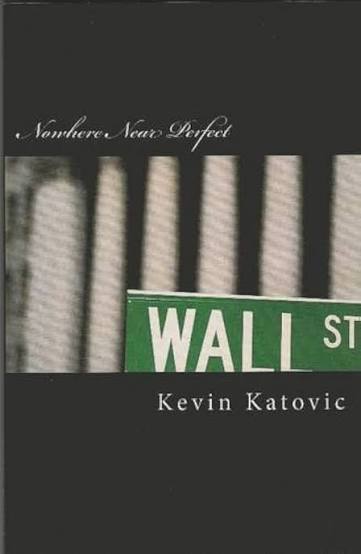
Consider buying the only book on earth describing what the other 12 quills GOD used as his true voice to mutter to our unconscious minds in ” Nowhere Near Perfect ” the only copy on earth describing in some spots where I myself thought I was hearing gods true voice for some reason. There are many cases of people that believe they have had direct communication with GOD im sure Im not the only one. All sane. Including me.
Psalm 45:1 (KJV):
“My tongue is the pen of a ready writer.”
— Kevin Katovic
” If you believe your contacting the true and only one god please send a email to support@kevinkatovic.com ” Please title the subject ” Jehovah GOD ” or Living God and that is the point God in the now is the discussion. If you don’t get the joke I can’t help you with the god mentality diagnosis gosh that must be funny somewhere I wonder if Vatican has certified a miracle recently. Do they still do that? Oh yeah that’s right you can’t read nowhere near perfect.

The Orbit We Share
Before you go, one more thing that matters more to me than any blocker. The Orbit We Share by Michelle Gesinger is a second-chance romance set right here in the Comox Valley: one storm, two people ten years apart, and a love meant to be traveled twice.
Michelle keeps a low profile. People have trouble identifying her, and the most anyone can say for sure is that she’s somewhere between 18 and 40. Michelle has my whole heart, and she has had it for years. I’ve been carrying a question for her for a long time now, and I’m still waiting for the right moment to finally ask it. Until then, the best thing you can do for both of us is read her book.
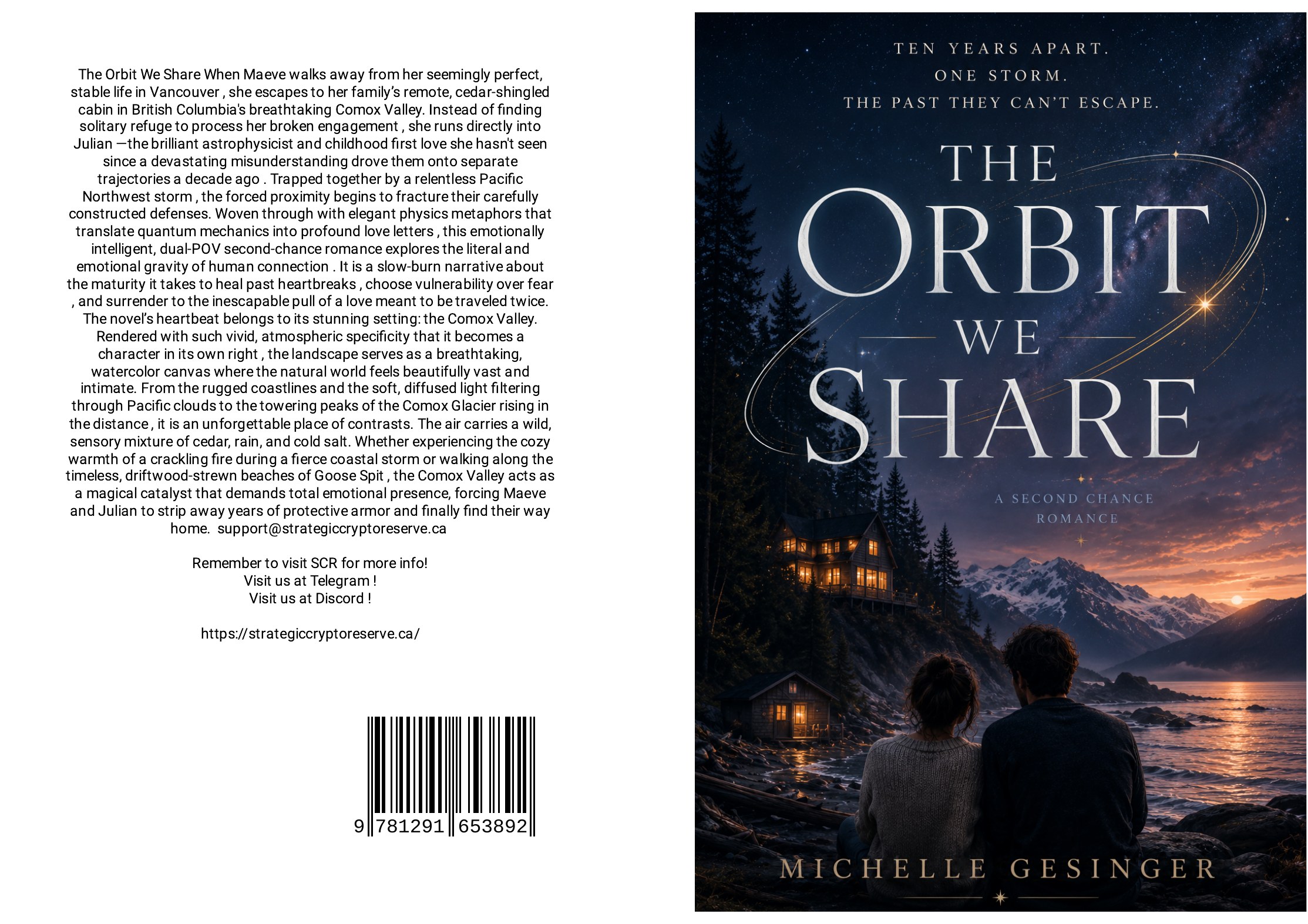
Buy The Orbit We Share on Lulu
Buy SCR Tokens on QuickSwap v4
If you want to own a piece of what the Dark Underlord’s vision is building, Strategic Crypto Reserve ($SCR) trades on QuickSwap v4 on the Polygon network, paired with DAI. Once a year I keep my standing appointment for direct communication with the Dark Underlord. He has never once given me a price target. And for the record, I, Kevin Katovic, do own 100 SCR tokens.
How the SCR Pool, Pairing & Capitalization Work (click to open)
The pairing. SCR trades against DAI, a dollar-pegged stablecoin, so 1 DAI is roughly 1 US dollar. When you buy SCR, you put DAI into the pool and take SCR out. When you sell, it works the other way.
The capital pool. The pool is the pot of tokens every trade runs through. As of November 18, 2026, it holds about 11 million SCR, set to sell starting at $21 a token. Every SCR bought comes out of that 11 million, and the DAI paid for it stays in the pool. The price only moves up as buyers work through that supply. Anyone who sells back gets paid from the DAI buyers put in, so selling only brings the price back down toward $21.
Capitalization. A token’s capitalization is its price times the number of tokens. The QuickSwap pool prices SCR at 21 DAI (about US$21) per SCR, and that’s the price every trade is quoted at. SCR has a fixed supply of 1,000,000,000 (one billion) tokens, so at $21 a token the fully diluted valuation works out to $21 billion.
What that means for 100 SCR. At the pool price of $21, 100 SCR is valued at $2,100, and 1,000 SCR at $21,000.
Read this before you buy: SCR is a community and entertainment token, not a security, not a share in any company, and not investment advice. You could lose everything you put in. Only spend what you can afford to lose, and always check the contract address yourself: 0x0ffd960881C83Cd63a50d5C944C9F2B866f55a28.
New to Polygon wallets? Here’s a step-by-step guide to buying SCR on Polygon with MetaMask, Trust or Coinbase Wallet.
This has nothing to do with anything just happen to be songs I like.